“The server works great, I didn't have any second of lag.” — Gigi Bos, Trustpilot
Pick a path that matches how you play. You can switch anytime.
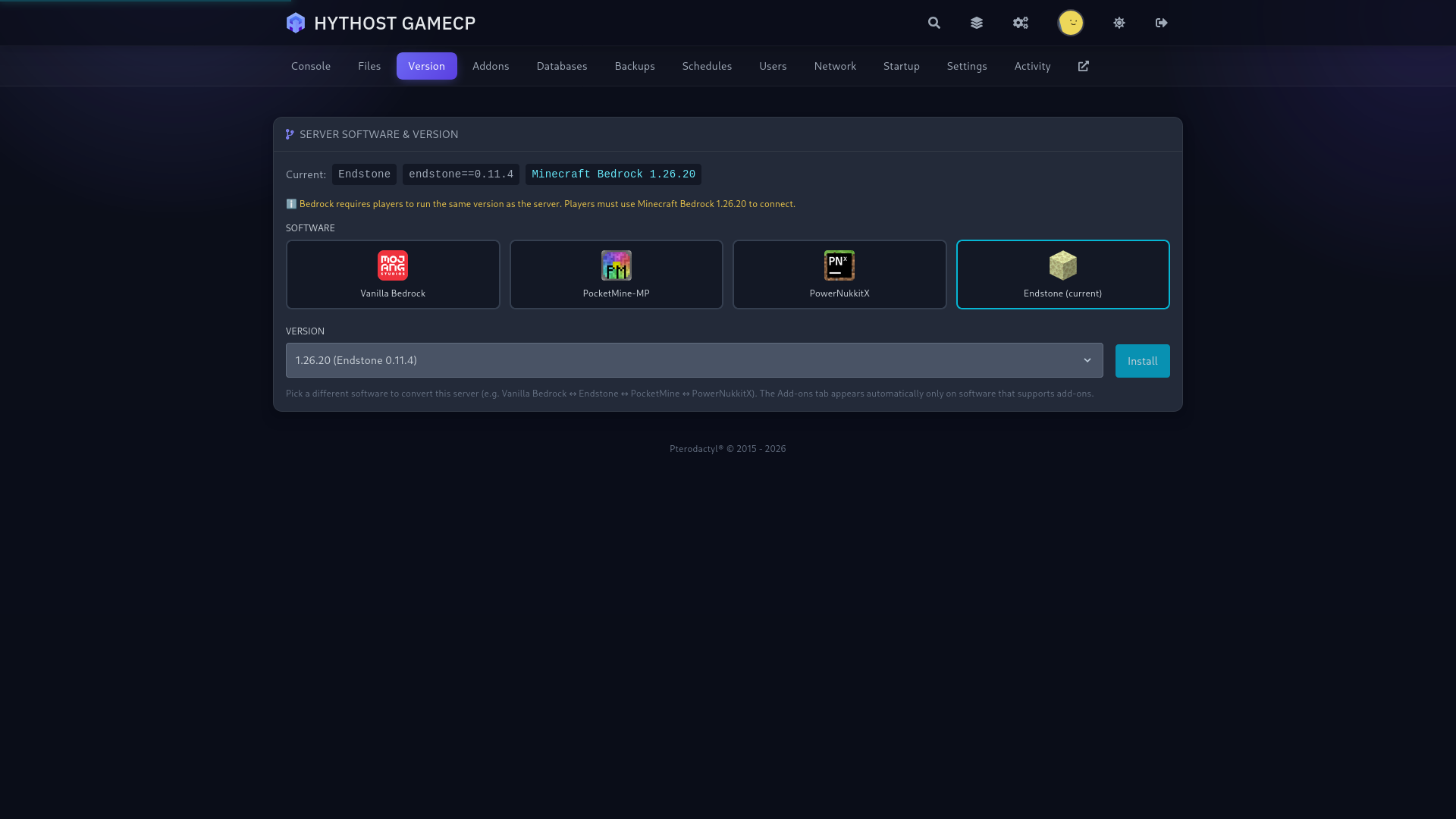
Specialized hosting: Modded (Forge, Fabric, NeoForge) · Bedrock (console & cross-play)
Modpacks need RAM, so these plans start at 5 GB and even heavy packs run smoothly. Upgrade or downgrade anytime.
I only paid 2.59$ for a server where i can play with my friends and the server works great, i didn't have any second of lag. If u guys are looking for a cheap hosting service use hythost, it's the best.
You get stable, good server for the price. I will recommend using them if you do not want to spend a lot of money for your server. And also support is really helpful and efficient.
My server got griefed and i was not able to restore any of the backups. HytHost replied to me within 1 day and within 2 days, the server was as great as new.
Modded Minecraft runs on a mod loader, and most of the trouble people hit when setting up a server comes from picking the wrong one. Here is how the four loaders we support compare.
Forge is the original loader and still has the largest mod library. If you want a big kitchen-sink experience with hundreds of interlocking tech, magic and exploration mods, most of those packs are built for Forge. All the Mods, RLCraft and the classic FTB packs are Forge.
NeoForge is a community-run fork of Forge that began with Minecraft 1.20.1. A lot of newer Forge-style development has moved to it, so for recent versions you will often see NeoForge builds alongside or instead of Forge. It is the natural choice for a fresh 1.21 modded setup.
Fabric is lightweight and fast. It updates to new Minecraft versions quickly and is home to the popular performance mods such as Sodium and Lithium that many people add to smooth out a server. For smaller or performance-focused packs, Fabric is usually the pick.
Quilt is a fork of Fabric that stays compatible with most Fabric mods while adding extra features, so if a pack asks for Quilt you can run it here too.
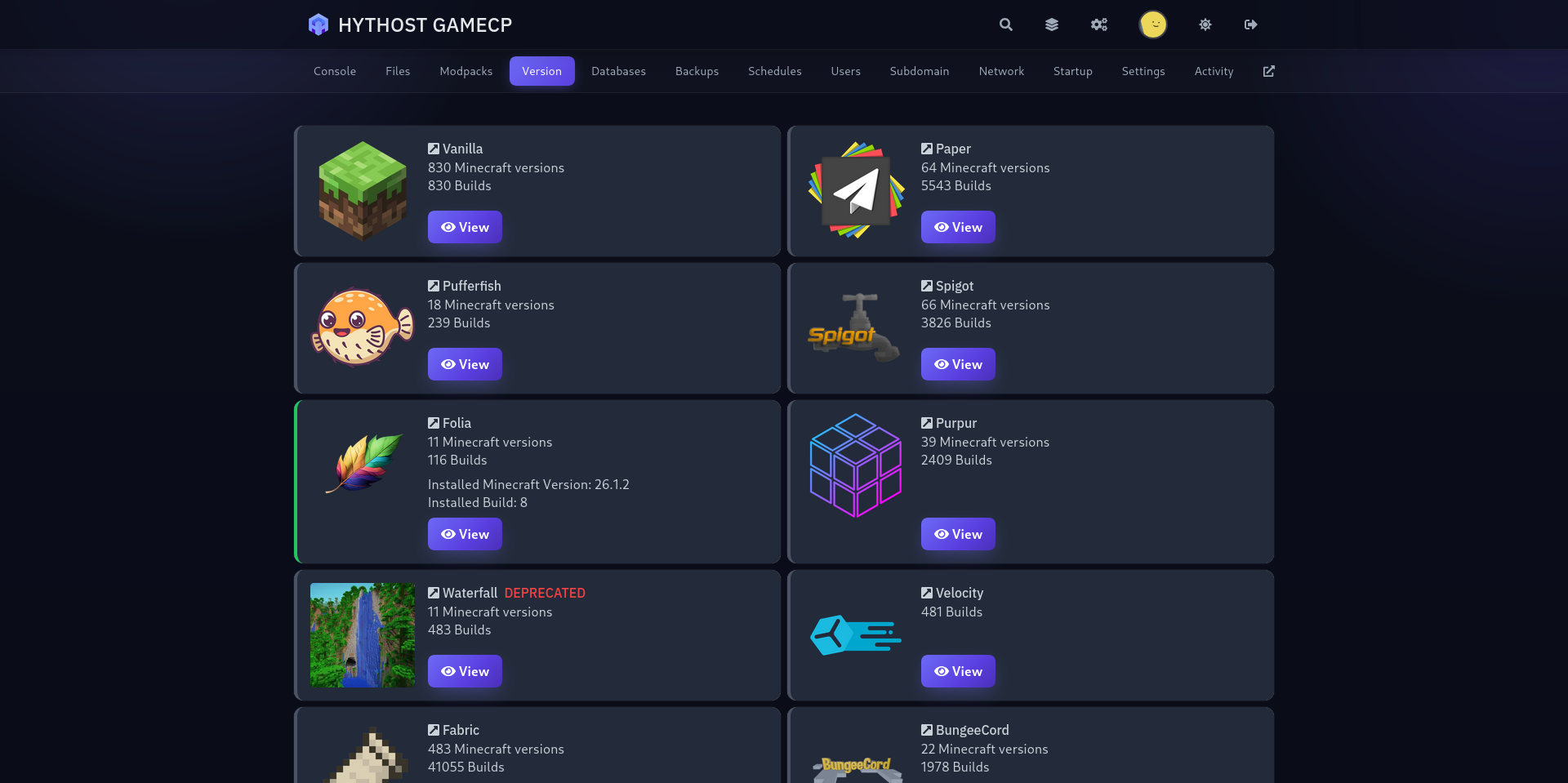
You do not have to memorise any of this. Every modpack page tells you which loader it needs, and the panel installs Forge, NeoForge, Fabric, Quilt, Spigot or Paper for you. You can switch loaders later if you change packs.
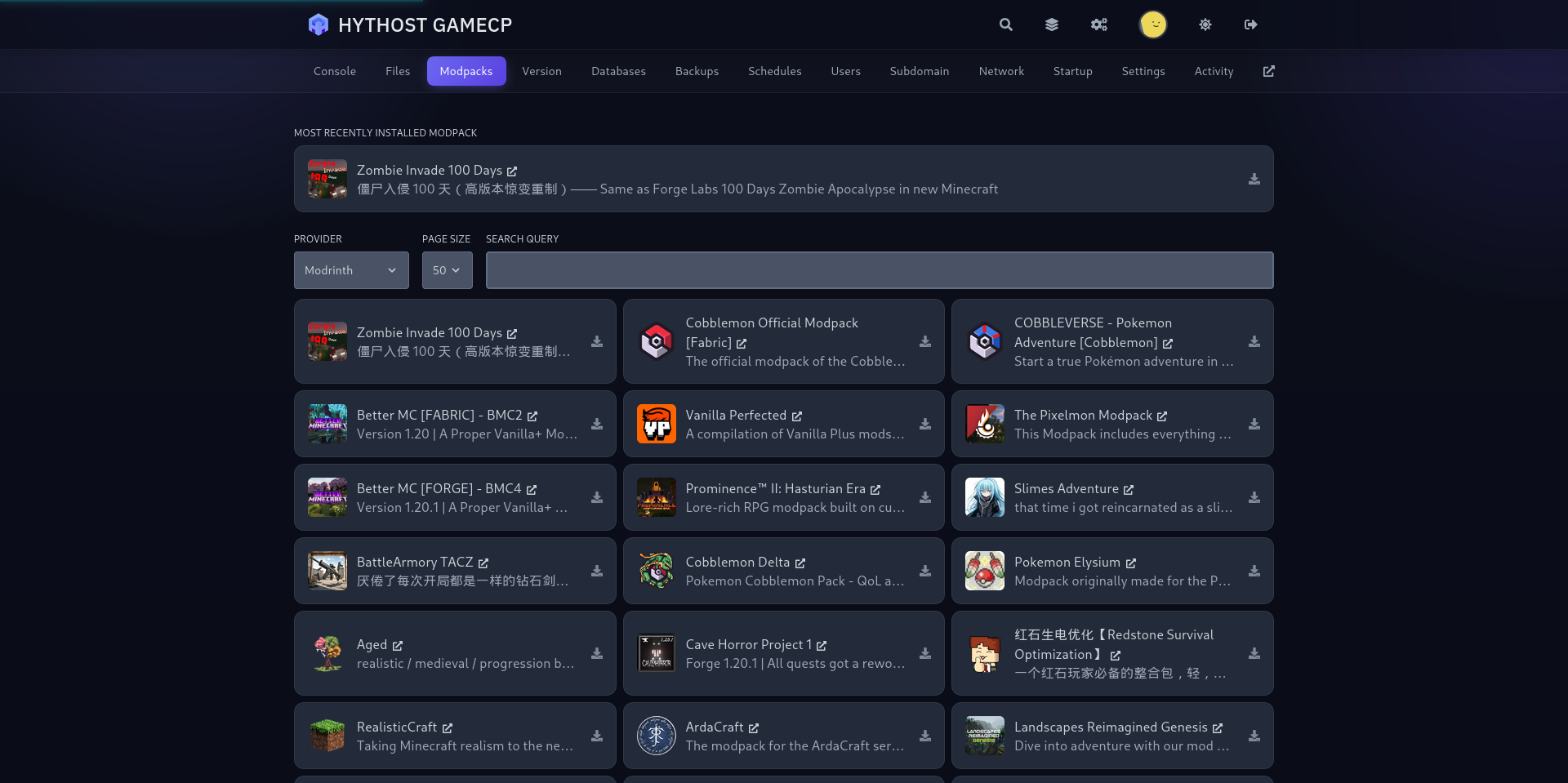
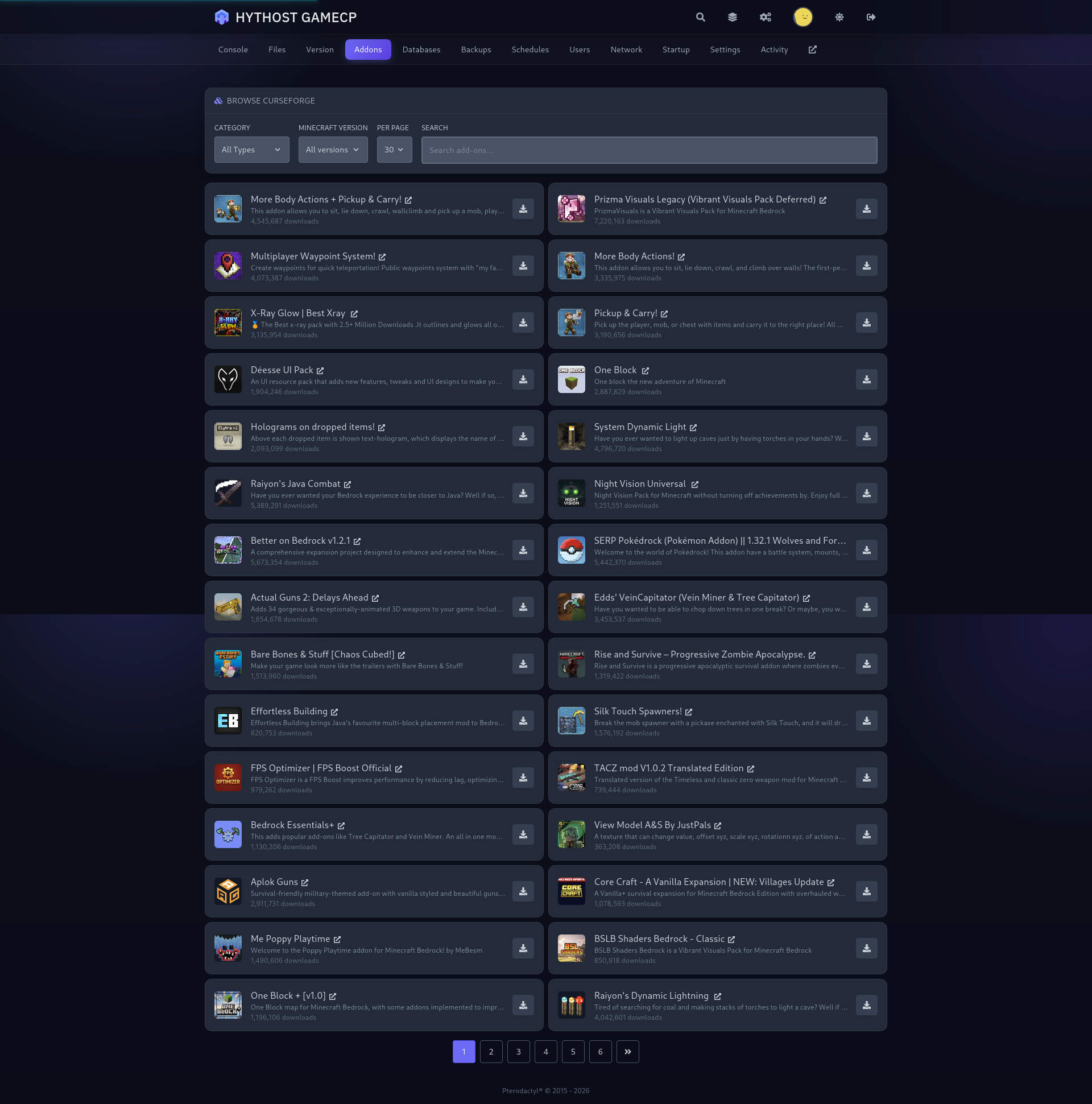
You do not upload JAR files or edit config folders by hand to run a modpack here. The GameCP panel includes a built-in modpack installer. Open it, search CurseForge or Feed the Beast, pick the pack and the exact version you want, and start the install.
The panel pulls the pack, sets the matching mod loader, selects the right Minecraft version and assigns a compatible Java version automatically. That removes the most common cause of a server that will not start, which is a loader or Java mismatch.
When a new version of your pack releases, you can update from the same screen instead of rebuilding the server. Your world and configs stay in place, so your progress carries over.
Modded servers need noticeably more resources than Vanilla or a Paper plugin server, and it helps to understand why before you choose a plan.
Every mod loads its own code, blocks, items and world-generation logic into memory, so a pack with 200 mods is effectively running 200 small programs at once and RAM use climbs quickly. As a rough guide:
CPU matters just as much, and here single-thread speed is what counts. Minecraft runs most of its world on one main thread, and modded worlds pile extra work onto it: machines ticking, mobs pathfinding, and chunks generating with custom ores and structures. A processor with a high per-core clock handles that far better than one with many slow cores, which is why every plan here runs on high-clock Ryzen and Intel i9 CPUs with NVMe SSD storage for fast chunk loading.
Our modded plans start at 5 GB so even demanding packs have headroom, and you can upgrade in place as your pack or player count grows.
If a pack is on CurseForge or Feed the Beast, it runs here. There is no approved-packs list and nothing is blocked. Players commonly host:
Match the RAM to the pack using the guidance above and you are set. Bigger expert packs are happiest on 10 GB or more.
Playing on console or mobile instead? See our Bedrock server hosting, or start from the main Minecraft hosting page.
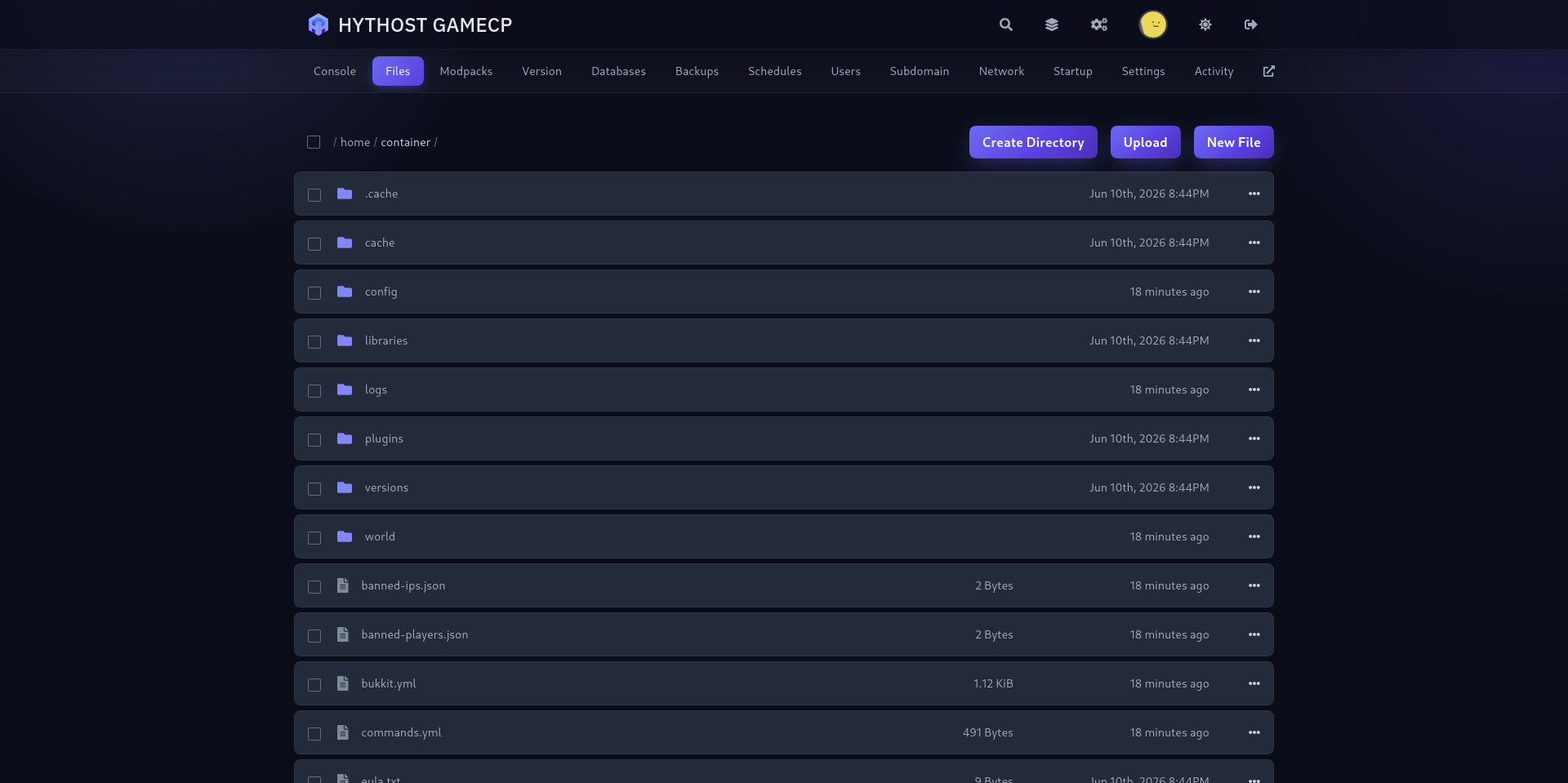
You are not limited to the installer. You have full file access to your server through the web file manager and over SFTP, so you can build exactly the setup you want.
To add individual mods, drop the JAR files into the mods folder and restart. To run a private or in-development pack, upload a CurseForge export and the installer will set it up, or upload the pack files directly. Client-side mods such as shaders and minimaps live on each player's game rather than the server, so you only install the server-side mods your pack actually needs.
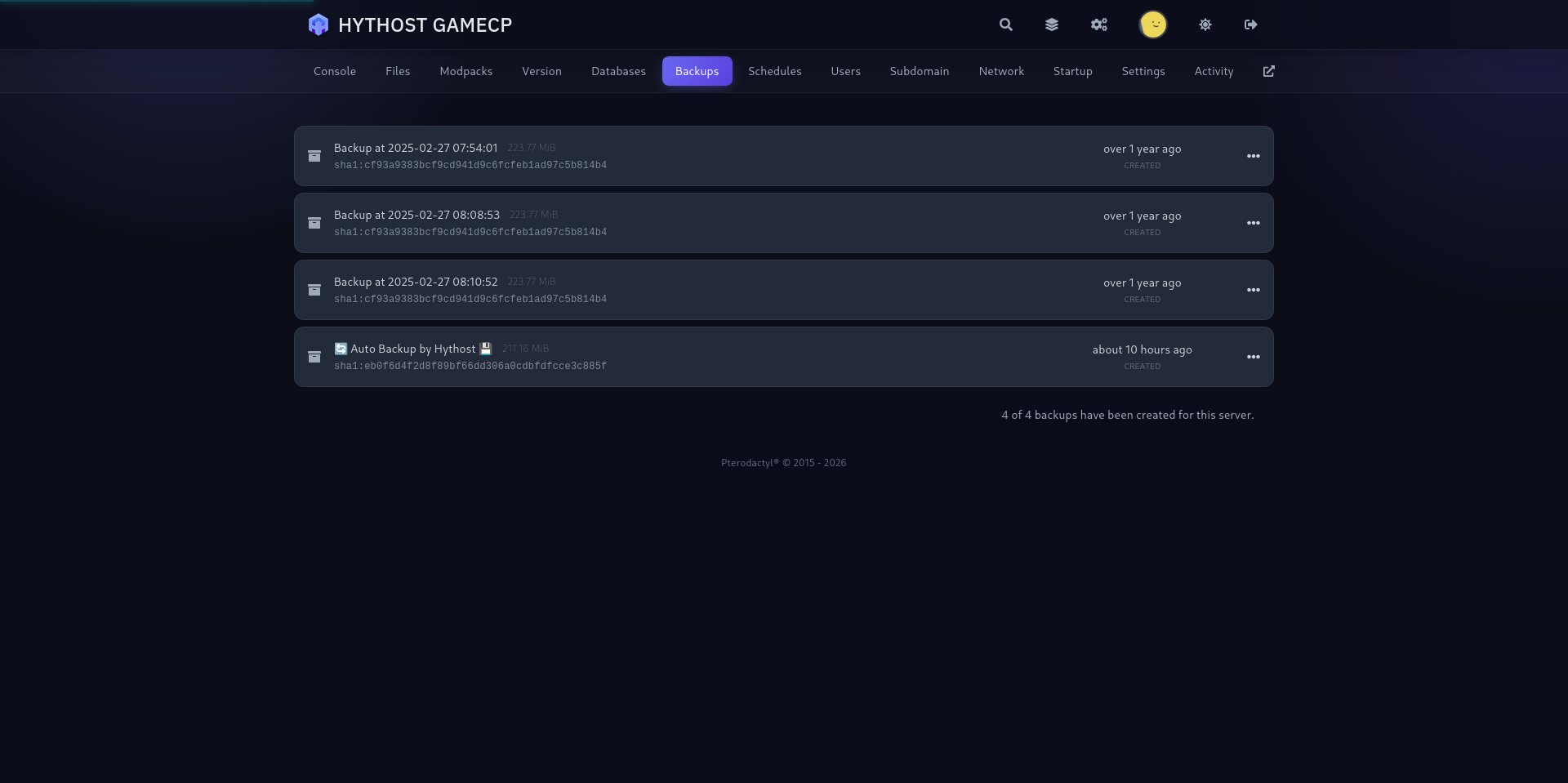
Config editing, datapacks, custom resource packs and a one-click backup before you experiment are all there in the panel, which keeps testing a new mod low-risk.
Tune RAM, software, and add-ons — then order in one click.
Selected edition: Not selected
Every plan is shielded by Voxility's enterprise network at no extra cost. Attacks are absorbed and filtered automatically, around the clock — you never have to lift a finger.
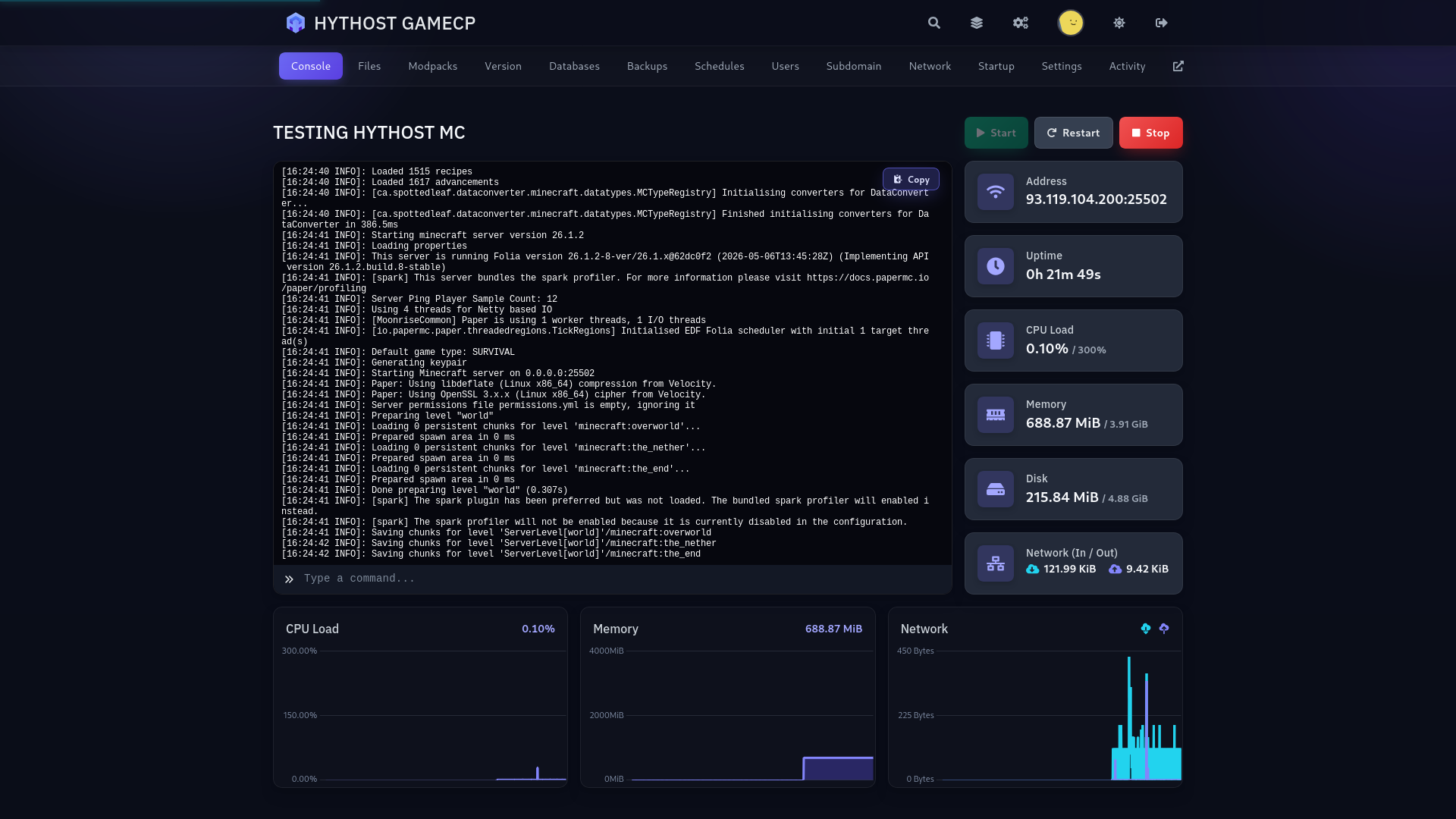
Live console, drag-and-drop files, 1-click version and modpack switching, and scheduled backups. Everything in your browser, no commands required.
Quick answers on choosing a plan, performance, versions and modpacks, free migration, DDoS protection, backups, and support.
Free migration, instant setup, and free version switching are all included — and our team is happy to help you get started.
Live chat 8 AM – 11 PM (Chișinău time) · tickets answered during business hoursFrom small SMP servers to large modded networks — we run the infrastructure, you run the world.